

// Data apps migration
Time to migrate those painful dashboards to data apps.
Not every dashboard should move. We read your workbooks, rank which ones are worth rebuilding as data apps and tell you how hard each one is, before anyone quotes a price.
// Before and after
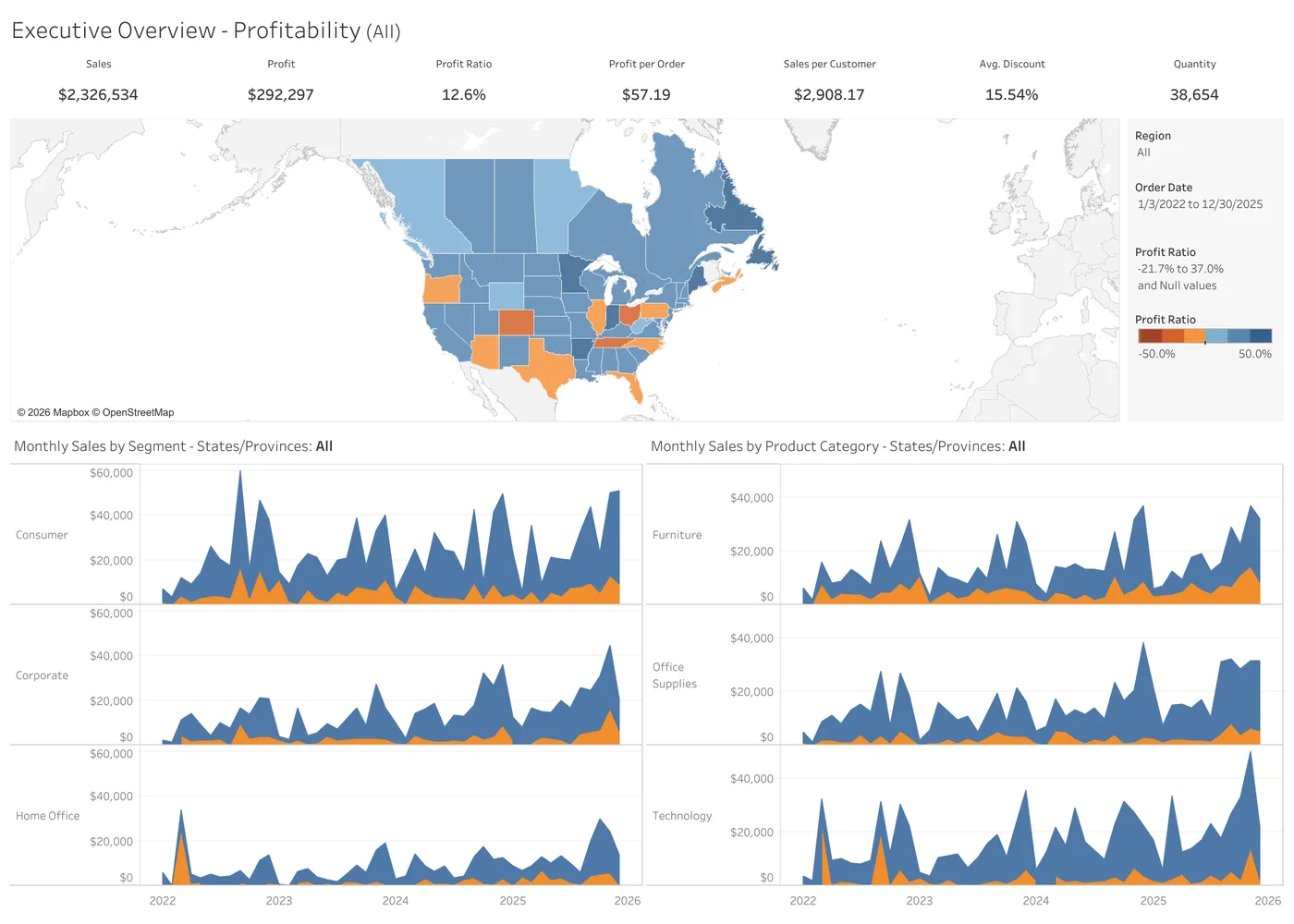
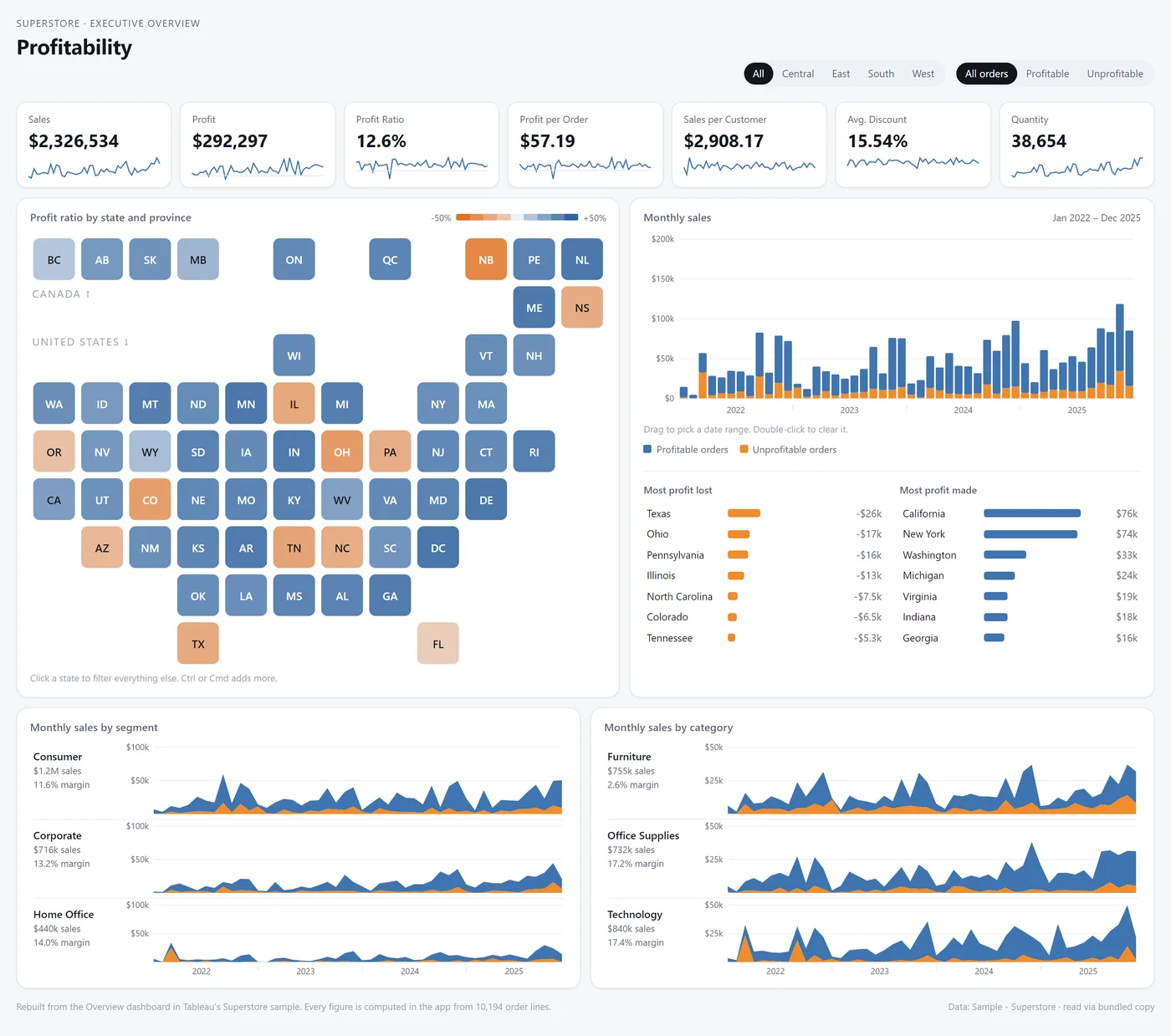
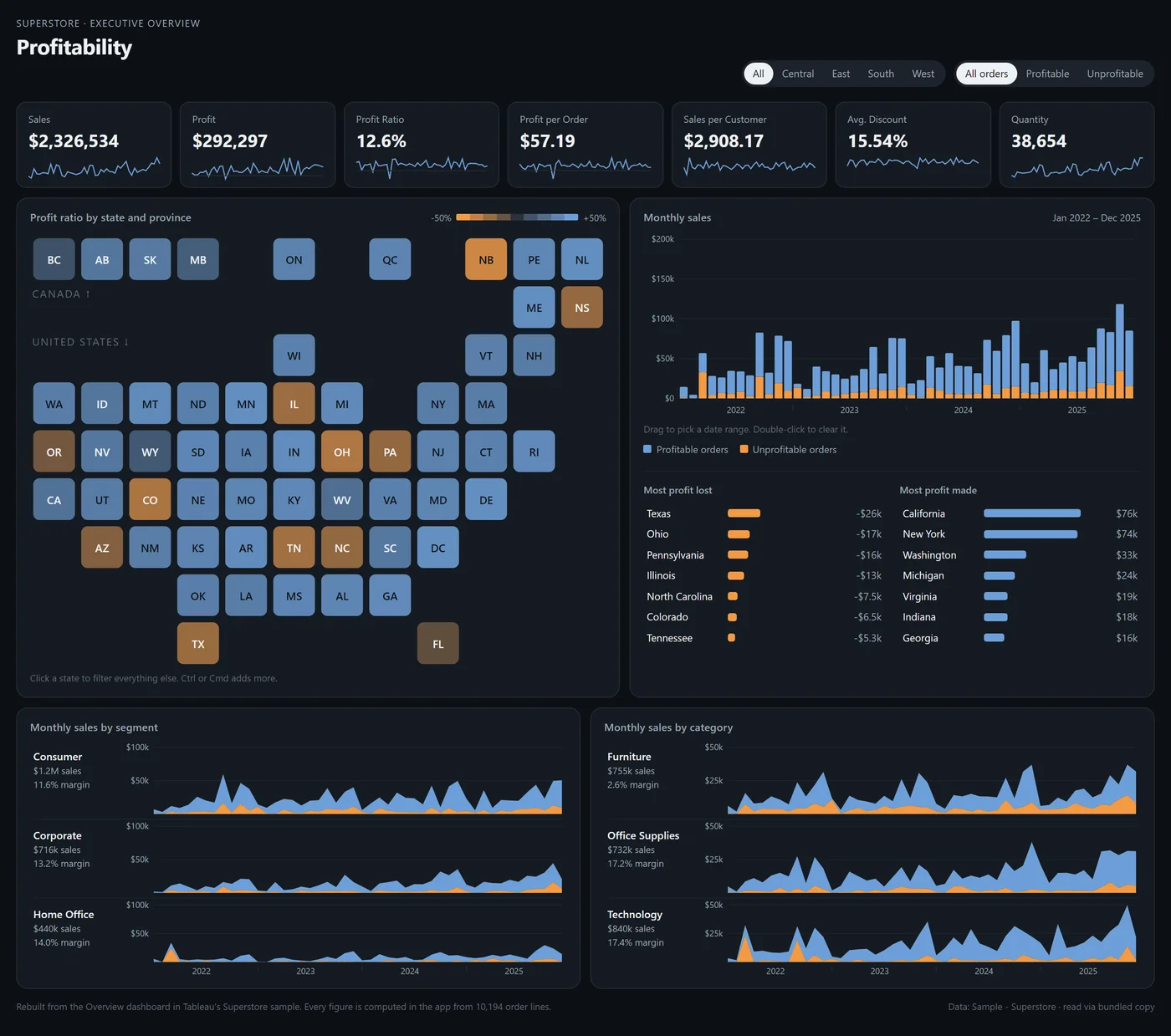
Tableau's Superstore Overview, rebuilt as a data app.
The same 10,194 order lines and the same seven numbers, to the cent. Open the data app and click around: every figure is computed in the app.
What the review found
- 4sheets
- 4calculated fields, 1 of them an LOD
- 0parameters or table calcs
- 4filters
- 3dashboard actions
| In the workbook | As written | In the data app |
|---|---|---|
| Profit Ratio | sum([Profit])/sum([Sales]) | Computed in the app for every tile, KPI and tooltip |
| Profit per Order | Sum([Profit])/countD([Order ID]) | Distinct orders counted in the app |
| Sales per Customer | Sum([Sales])/countD([Customer Name]) | Distinct customers counted in the app |
| Order Profitable? | {fixed [Order ID]:sum([Profit])}>0 | Each order's profit summed across all its lines once, before any filter, the way FIXED works |
| Filters | Region, Order Date, Profit Ratio, Order Profitable? | Region buttons, a date range you drag, a profitable or unprofitable toggle |
| Actions | State filter, state highlight, month highlight | Click a state or a segment, hover a month, and every chart follows |
// Which dashboards to move
Four signs a dashboard is ready to move.
Most of your dashboards are fine where they are. Move the ones that show one of these.
Slow tables
Big text tables are where Tableau drags. A data app draws thousands of rows as a web table, with search and sort that answer right away.
Extension sprawl
Every hosted extension is a URL to allow-list and a server someone keeps up. A data app ships inside the workbook, with nothing to host.
Designs Tableau can't draw
The layout your team mocked up and then compromised on. If a browser can render it, a data app can put it on the dashboard.
Mobile
Dashboards built for a desktop grid, squeezed onto a phone. A data app lays itself out for the screen it is on.
// How it works
Start with a free diagnosis. Take only the steps you need.
- 01Free
Migration review
Workbook X-Ray reads your workbooks: every calculated field, the lineage and the fields nothing uses. You get a ranked list of which dashboards are worth moving and how hard each one is.
- 02Fixed scope
Migration project
We rebuild your top three to five dashboards as data apps, on your data, published where people already look. One statement of work, priced from the review.
- 03Product
Data App Kit
The starter, the widgets and the build steps we used on your first apps, so your team migrates the rest themselves.
- 04Monthly
Maintenance
Updates, new widgets and Tableau version changes handled for you, for as long as you want them handled.
// Nothing gets left behind
Download the workbook and every piece of logic comes with it.
A workbook file spells out everything built in it: every calculated field with its formula, every LOD, table calculation, parameter and blend. Workbook X-Ray reads all of it, so nobody rebuilds a dashboard from screenshots or guesses at a formula.
The work is deciding where each piece lives in the app: pushed into the published data source, or written into the app's code. The review shows you that for every workbook before anyone quotes a price.
- Calculated fieldsInto the data source, or the app
- LOD expressionsA query at the right level of detail
- Table calculationsThe app's code
- ParametersControls in the app
- Blends and joinsOne query per data source, joined in the app
// After the migration
A data app is code. Decide who edits it before you build it.
Your Tableau developers can't open a data app in Desktop and drag a field. There are two good answers.
We maintain it
A monthly retainer covers changes, new widgets and whatever a Tableau release moves.
Your team maintains it
With the Data App Kit, your builders edit the apps with Claude and review what it writes before it ships.
Free migration review
Find out which dashboards are worth moving.
- What you get
- Your dashboards ranked by how much a data app would help and how much logic has to move, with a recommendation for the first few.
- What we need
- The workbook files for the dashboards you are considering. The review reads their structure, not your data.