


// Labor Day weekend, Friday Sept 4
Bridge stopped. Nothing showed as failed.
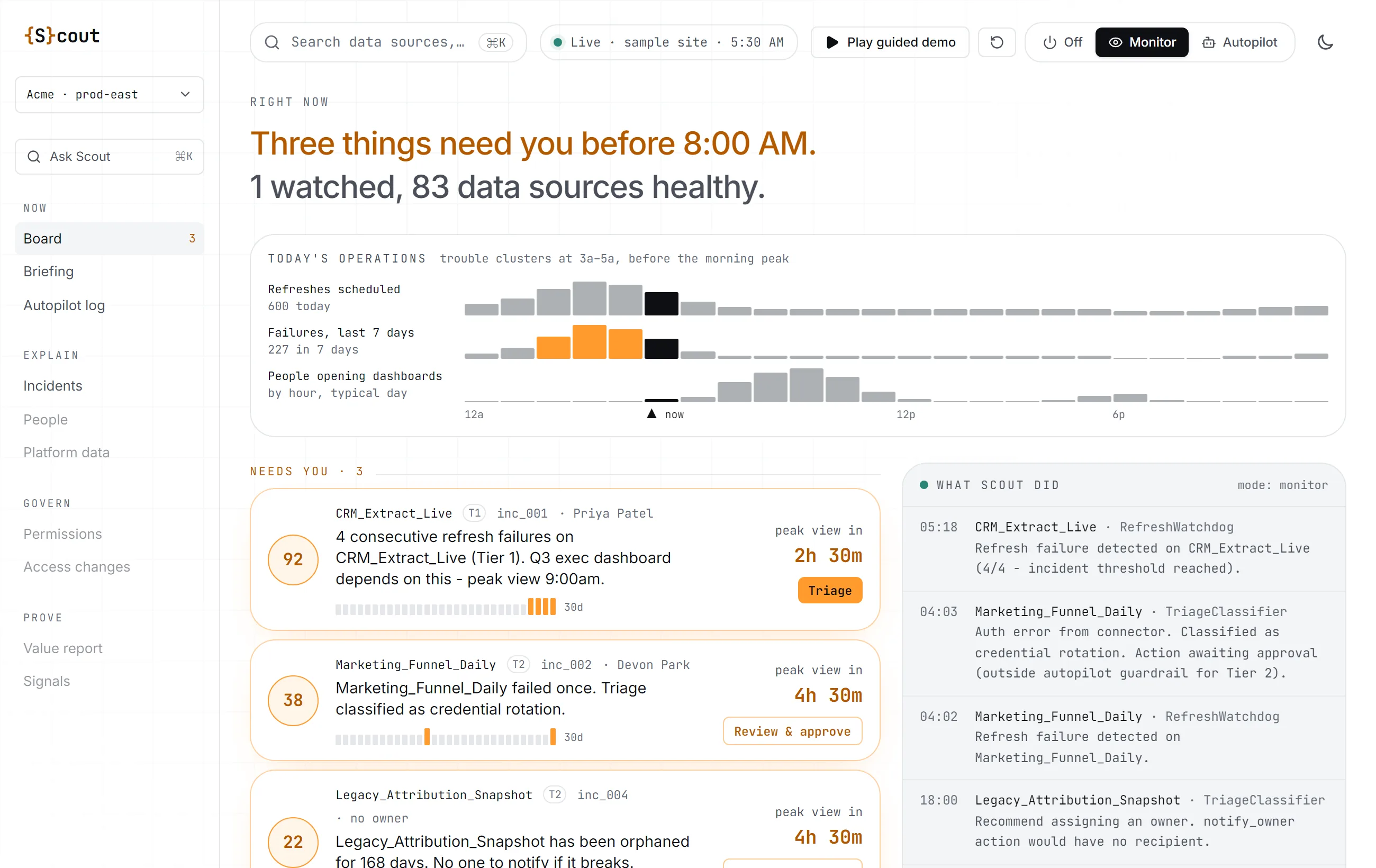
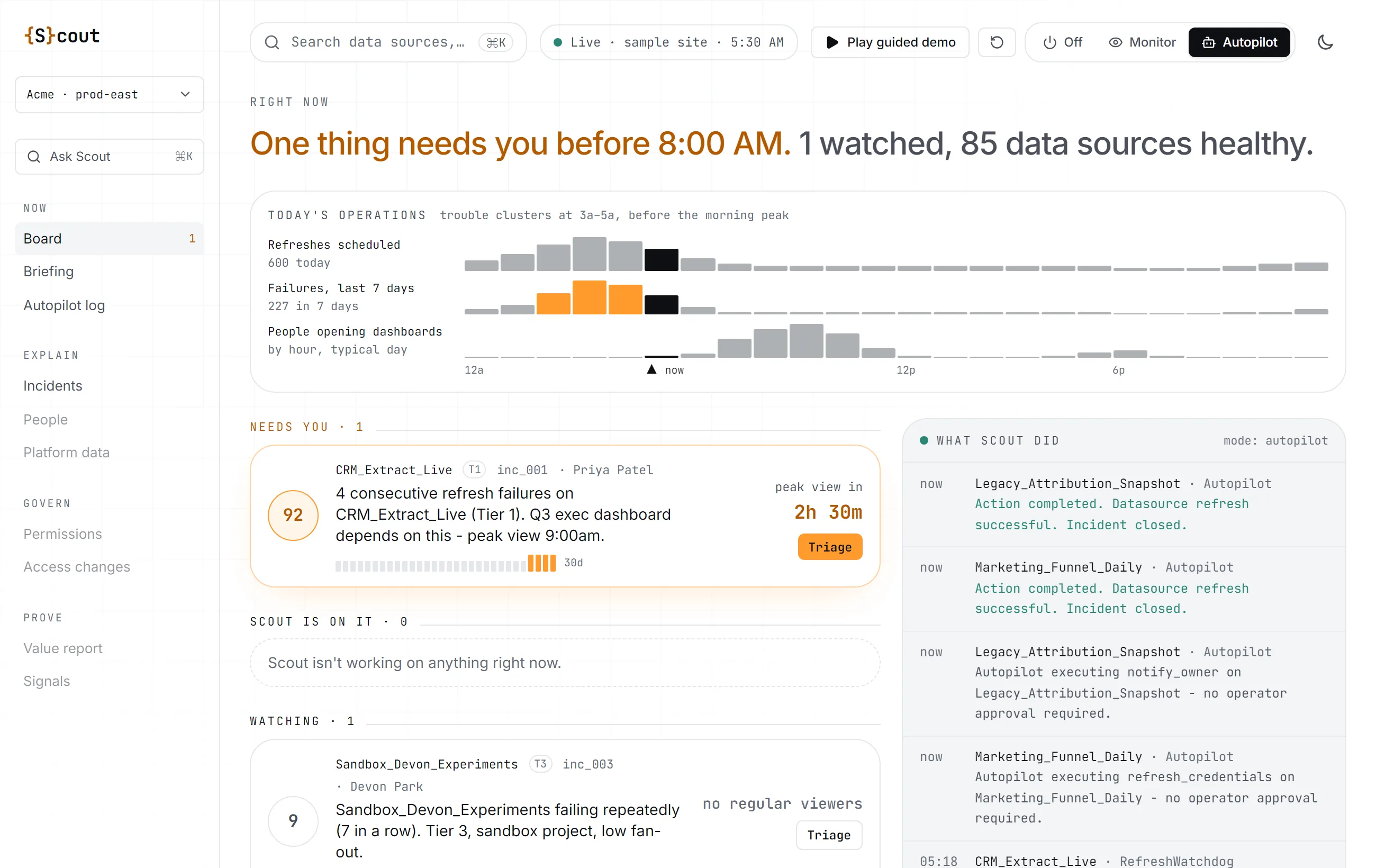
The Friday before Labor Day, Tableau Bridge stopped refreshing data in a 600+ user environment. The refreshes never ran, so nothing showed as failed. Scout flagged it 17 minutes in and said why. Two Bridge VMs restarted, healthy 28 minutes later, before the infrastructure team or a single client noticed.
- 12:05 PM MT
First Bridge refresh fails. Nothing in Tableau flags it.
- 12:22 PM MT
Scout pages the admin's phone: Bridge isn't dispatching, and why.
- 12:45 PM MT
Last failure. Two Bridge VMs restarted and Bridge signed back in.
- 12:50 PM MT
Refreshes succeed again.
Works with your Tableau stack
// Scout
What broke, who it hits, and the fix.
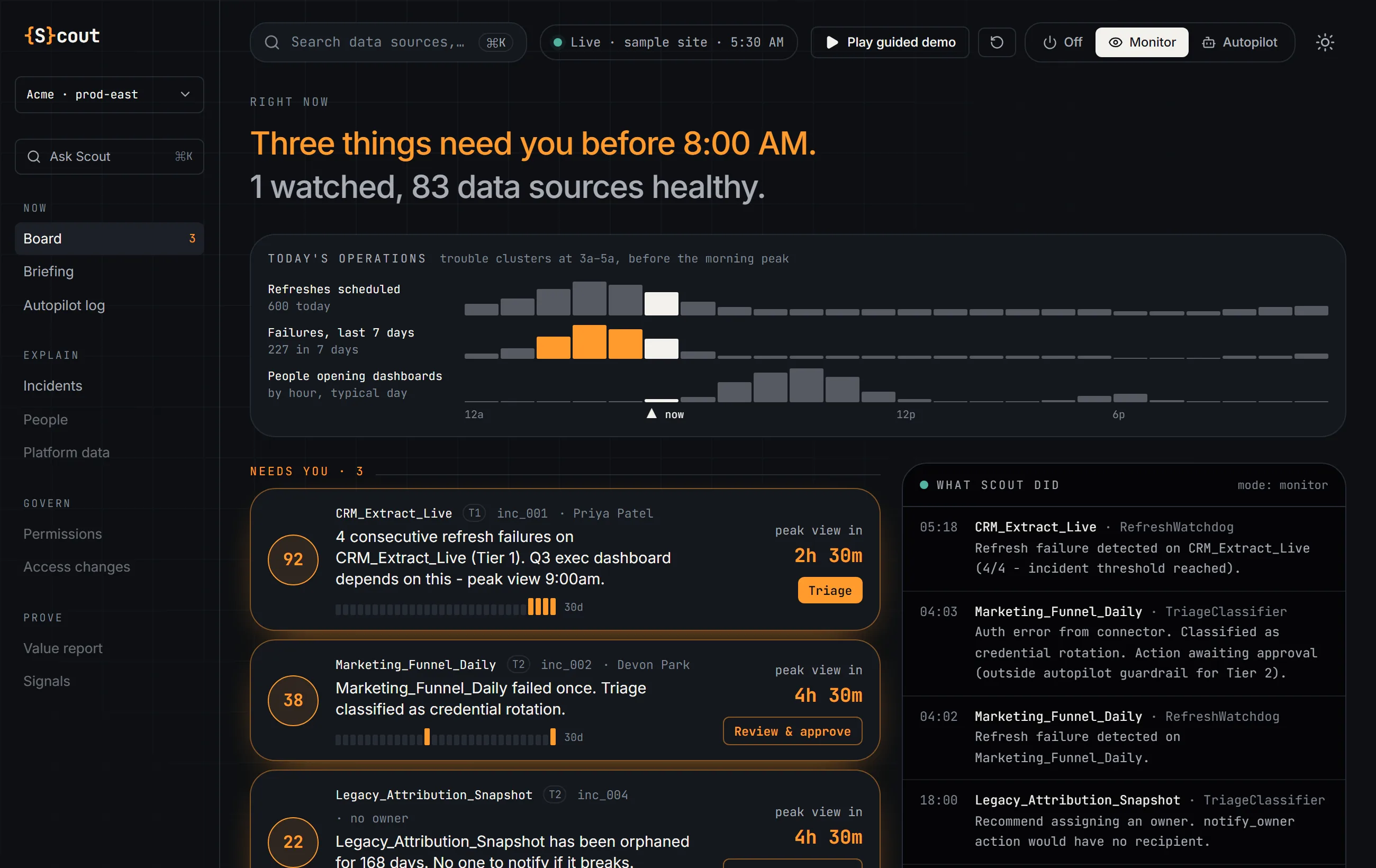
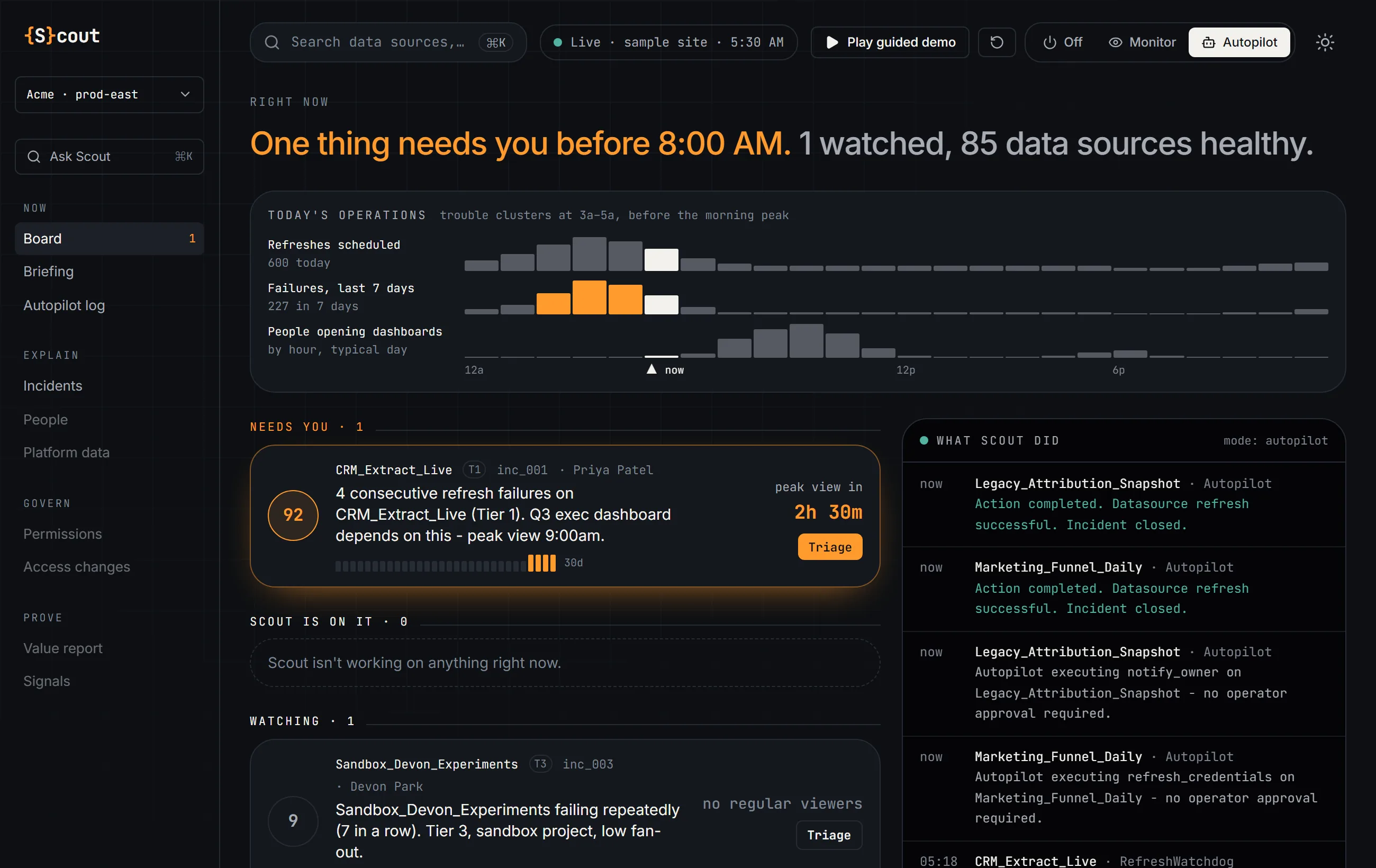
Scout watches your Tableau site around the clock and calls in failures ranked by what they're about to cost you. Read-only to start, free for good.
// Data apps
Put the answer where people already look.
Data apps run inside Tableau, on your live data, packaged in the workbook. Nothing to host and nothing to allow-list. Drop one on a dashboard and every viewer sees whether they can trust it.
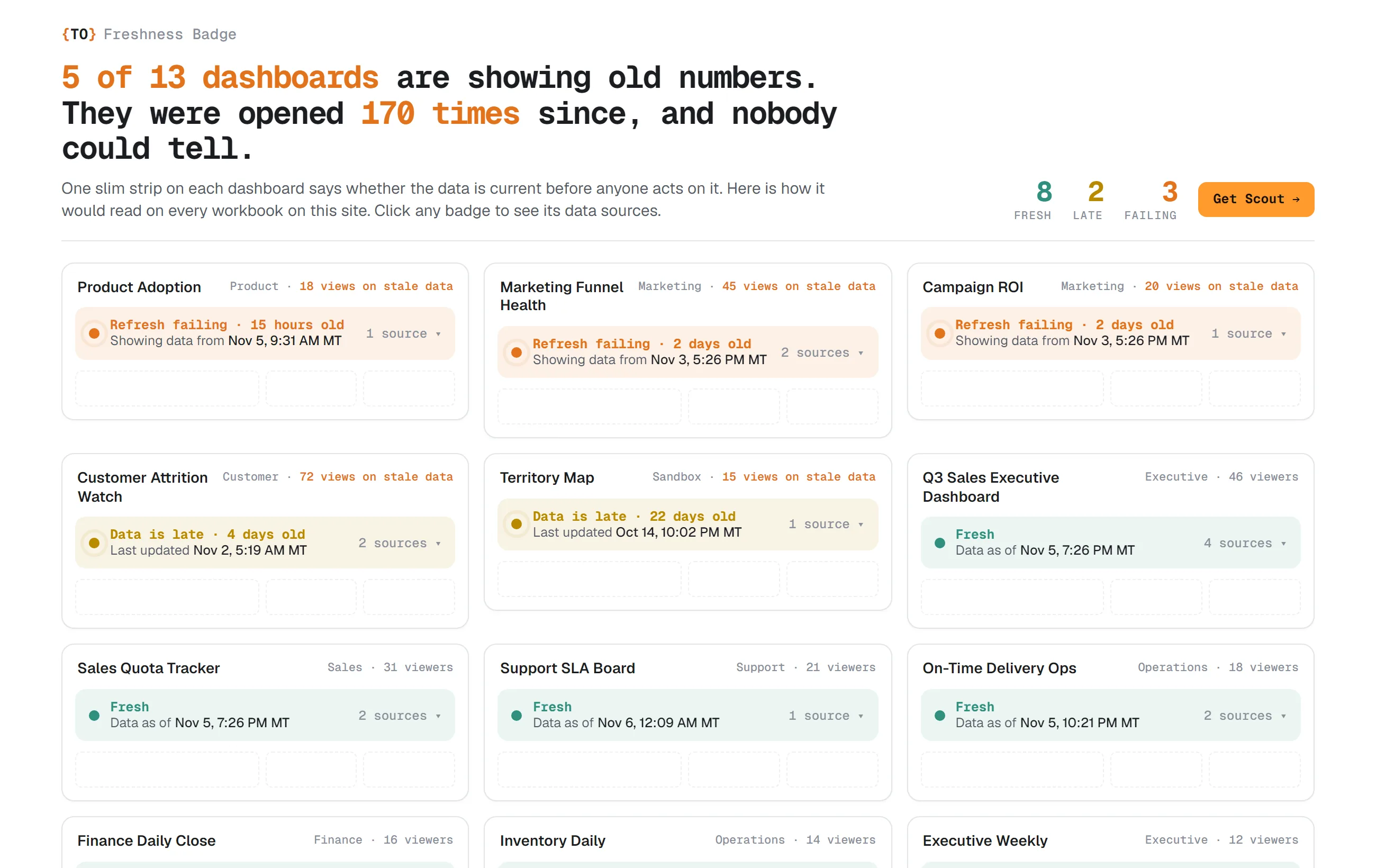
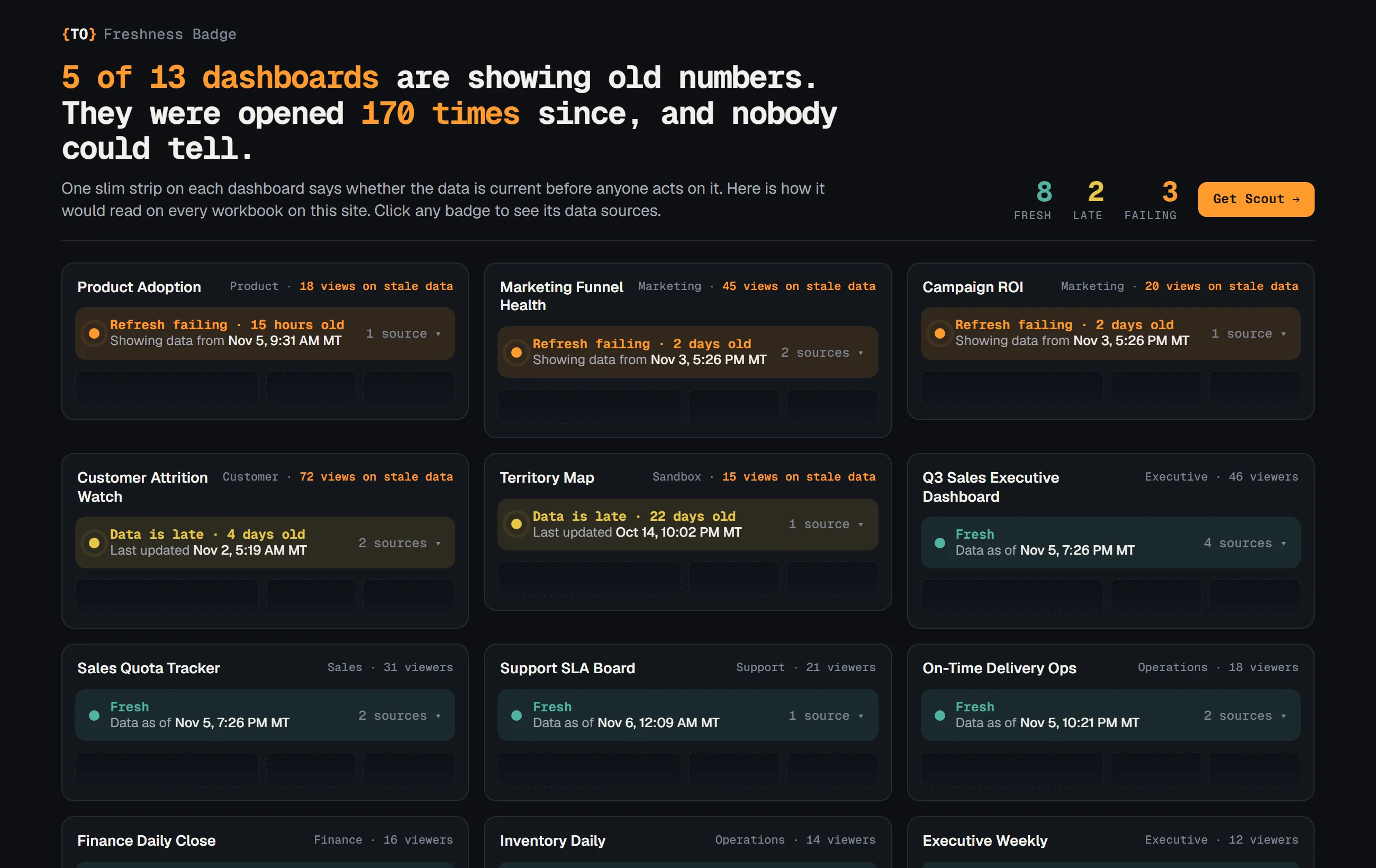
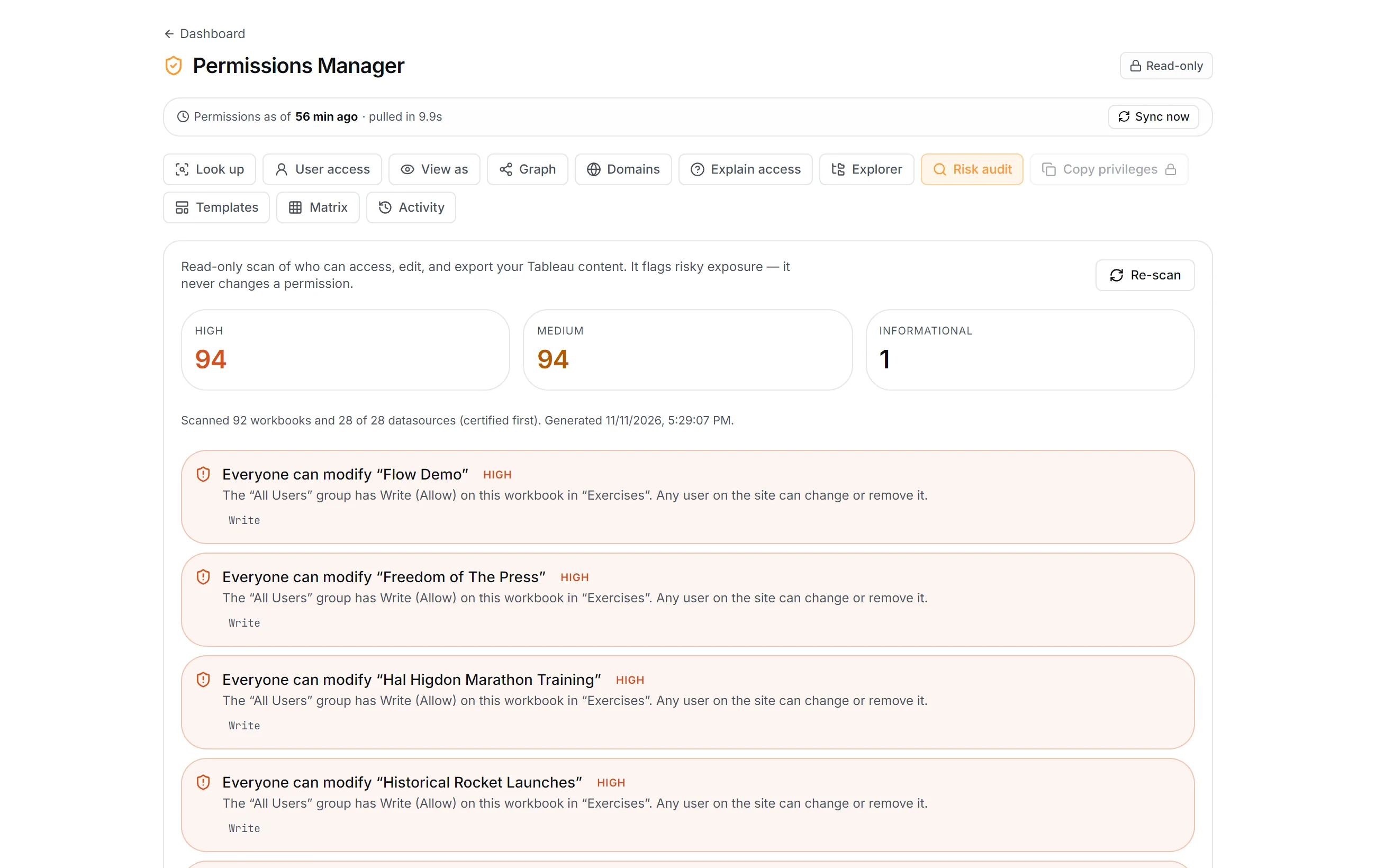
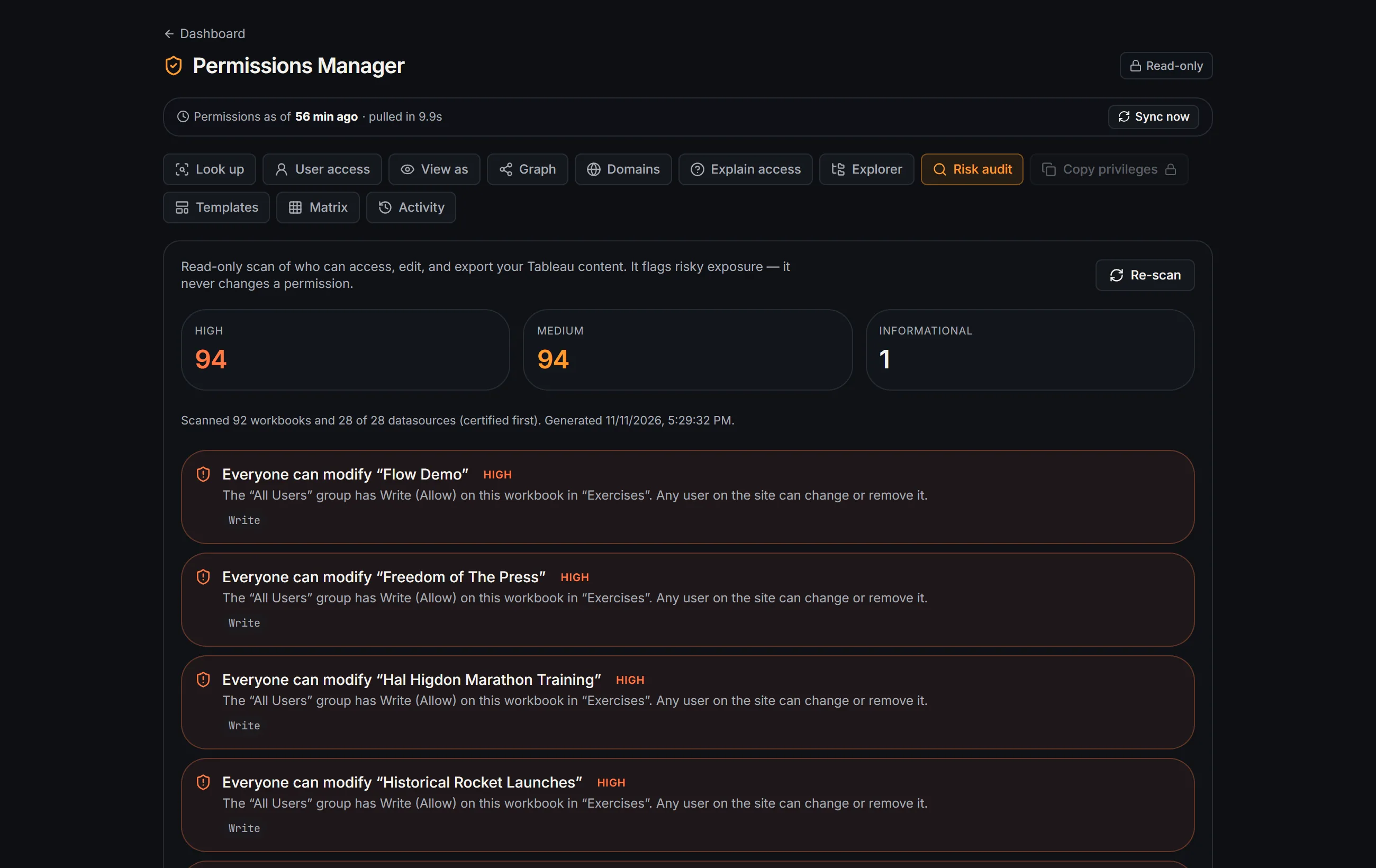
Tells every viewer how old the numbers are, right on the dashboard.
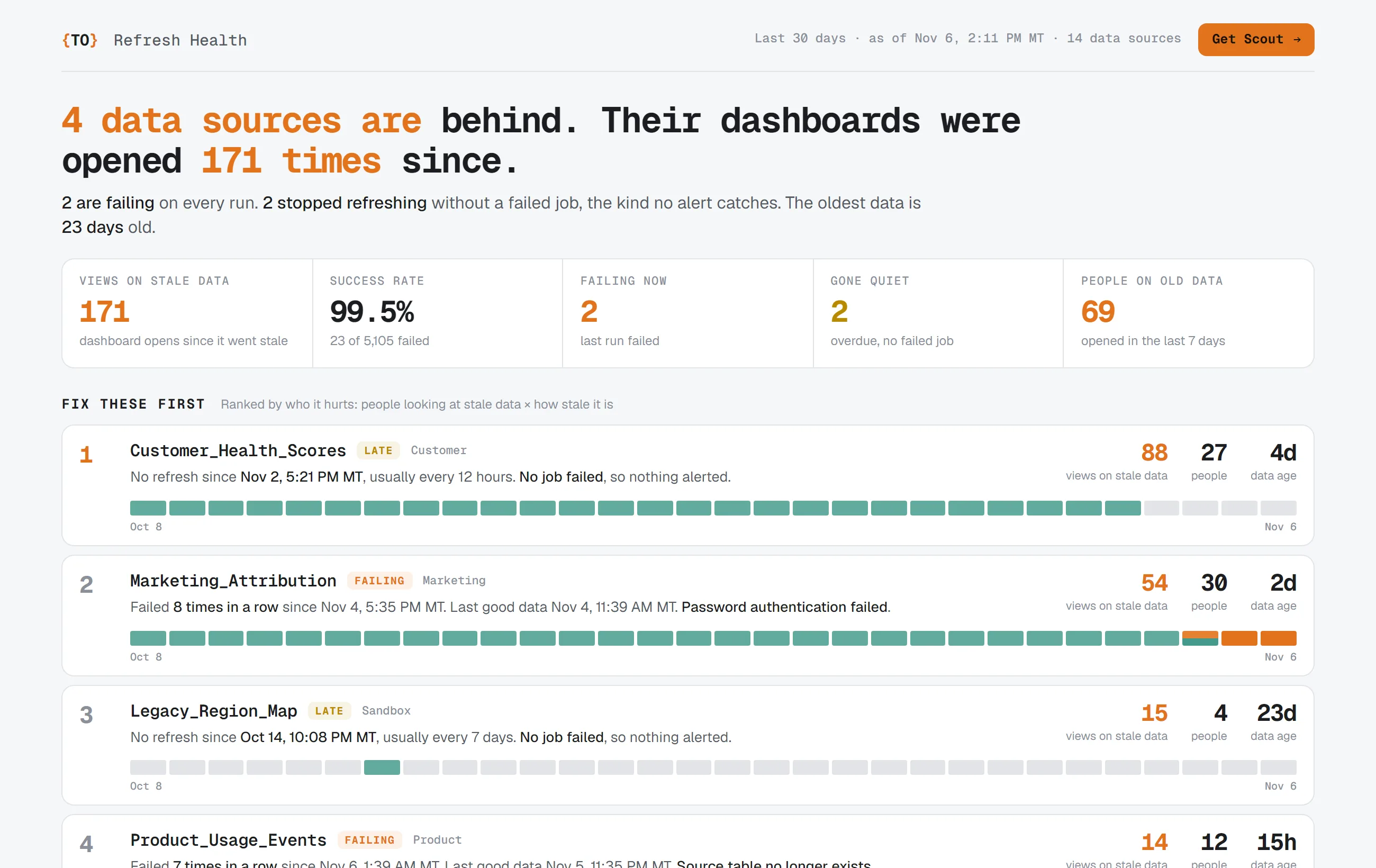
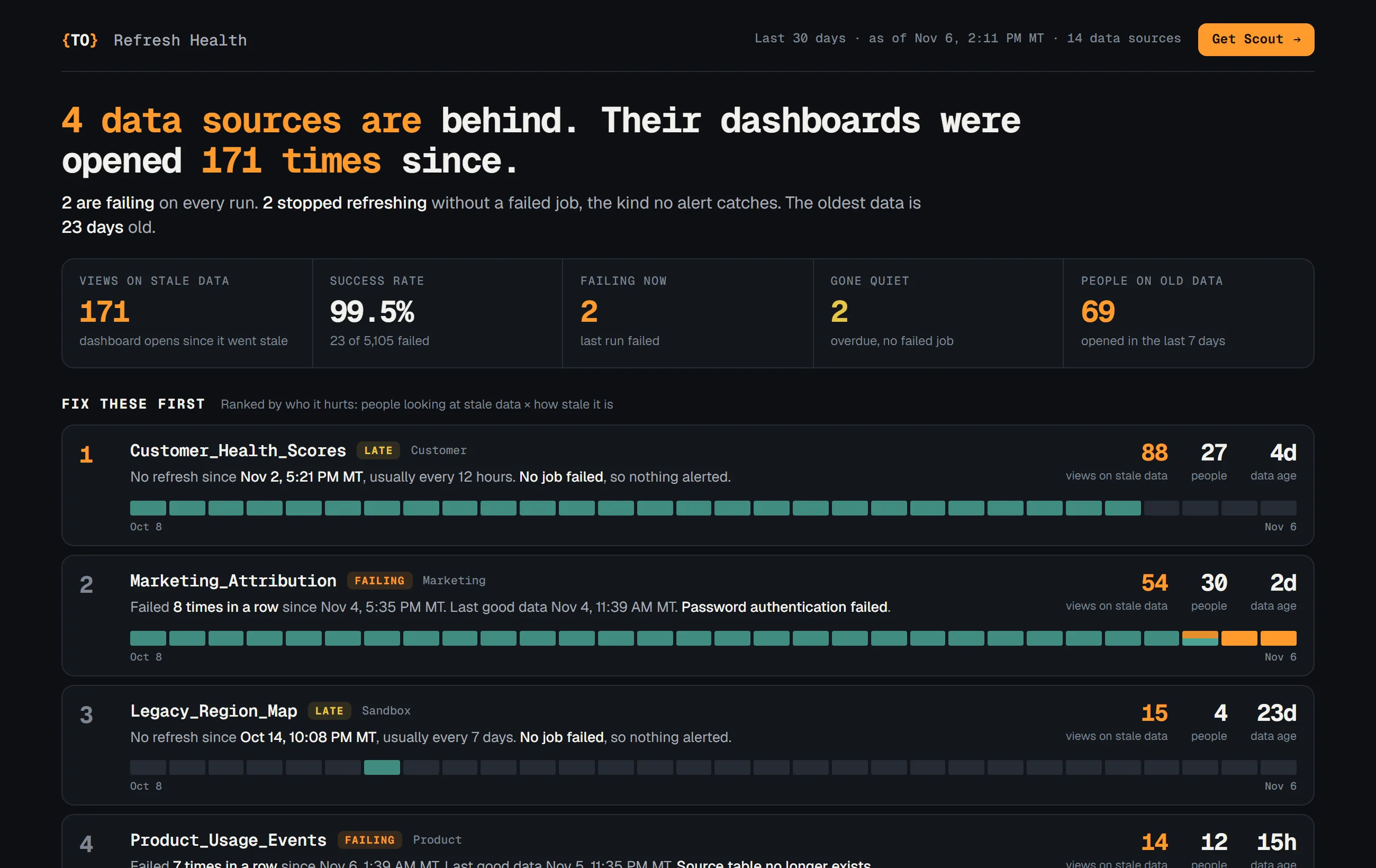
Which data sources are behind, and which dashboards people are still opening on them.
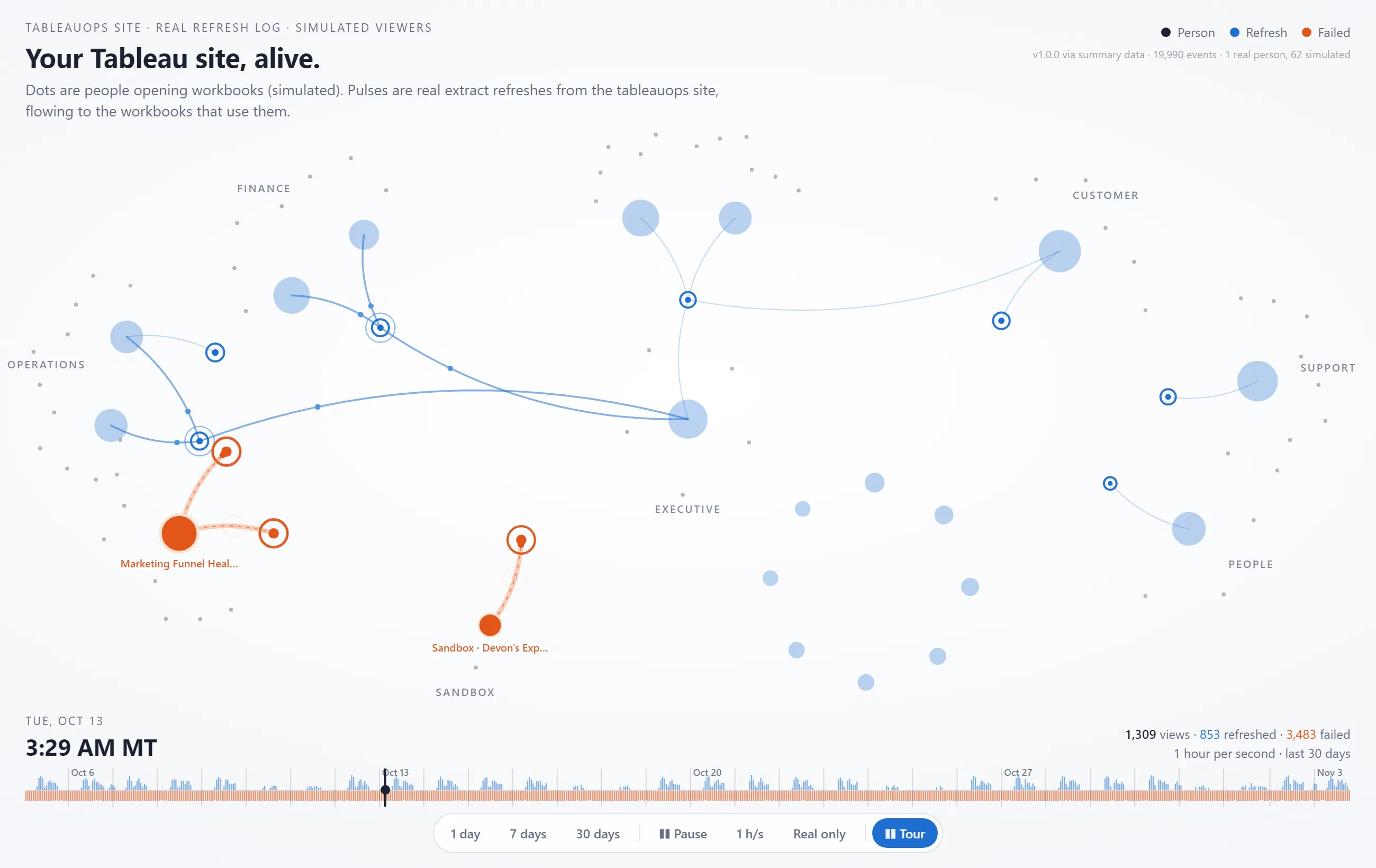
Your site's views and refreshes as a live network.
Setup
Your site configured for data apps, the first ones built on your data and published where people already look.
Training
Your builders learn to make data apps with Claude and Tableau, and to review what AI writes before it ships.
PHI and PII
What an app may read, where it runs and who can see it, worked out with your data and security teams before launch.
// Extensions
Omni-Search: one box that filters every sheet on the dashboard.
Type any value and it finds the field it lives in. Plus 22 more charts and dashboard tools. Free in Tableau Desktop, from $199/yr on Cloud and Server.
// Why TableauOps
Built for the people who run Tableau.
I'm Eric Summers: a Tableau Technology Partner and two-time Tableau Ambassador. I build Scout so the first person to find a broken refresh is you, not the exec who opened the dashboard.
Scout is read-only by default, keeps your full history, and shows its work on every fix. The data apps and extensions come from the same place: things Tableau should do and doesn't yet.
Tell me what keeps breaking on your Tableau site.
No sales team. Email me the refresh, the dashboard or the permissions mess and you get an answer from the person who builds Scout.